Jump to...
View a snapshot of our newest features and updates here...
Learn Side Dashboard Re-Design
The next time you log in, you’ll notice that the Learn side has a fresh new look. At the top of your dashboard, you’ll now see all of your professional development activity along with your Quick Links. In the Next Up section, you can click any tab to view more details, including courses you’ve started or items with feedback that need your attention. District announcements will appear on the right side of the dashboard in a cleaner, more concise format, with an option to read more.
Goals Renamed Assignment
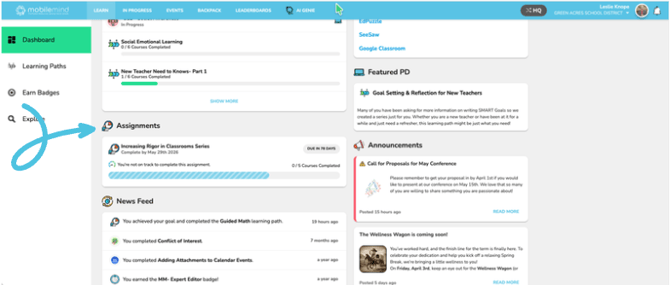
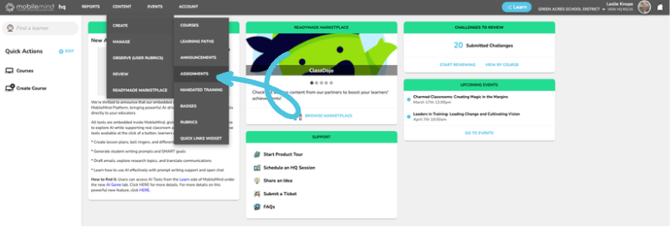
You asked and we listened! What we formerly called Goals is now called Assignments.
Events: Date Change Prompt When Copying
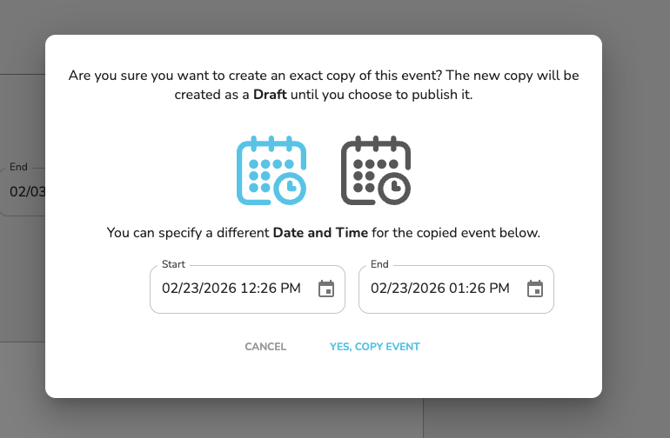
When you copy a single event, you will now see a prompt to select a new date for the event.
Incomplete filter added to Mandated Training Reports
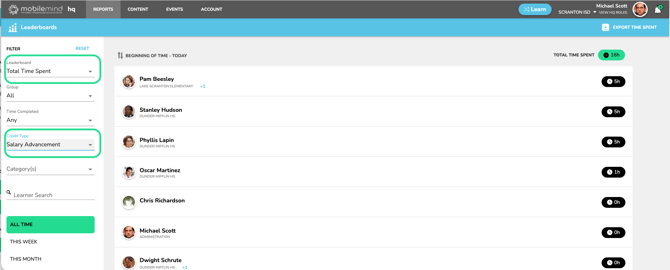
If you are running a report on a Mandated Training, but only want to see who has NOT completed it, you can check the box to show Incomplete only.
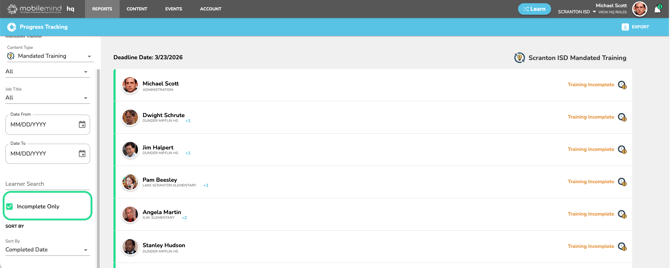
Learner can filter by Credit Type on their Backpack Page
Learners can now filter their MobileMind Backpack by Credit Type to quickly see the total hours they’ve earned for any selected Credit Type.
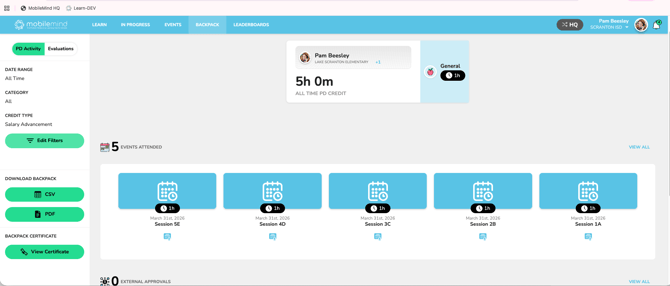
Credit Type Reports
On the Leaderboard Reports, you can filter by Credit Type. First, select a Time option, then choose the Credit Type you’d like to use to generate your report.
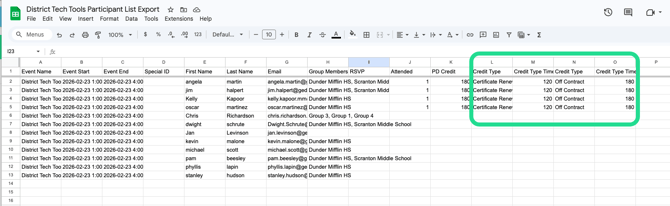
Credit Type will now show in the participant export and from the event report in Progress Tracking as well.
Rubrics: Email will be sent to learner after a rubric has been completed
As soon as an observer clicks submit on a rubric, the learner will receive an email notifying them there is a rubric waiting for their review and signature.
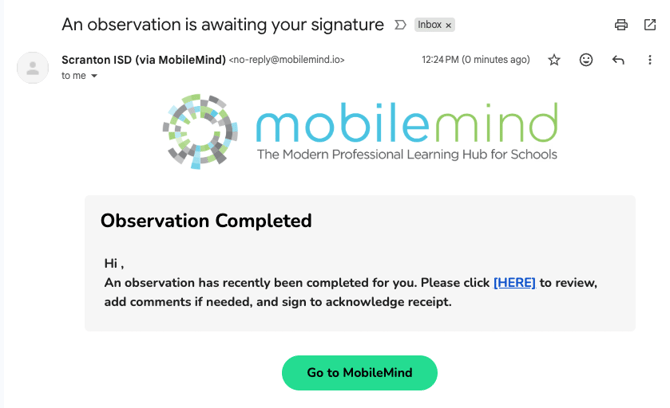
View Assigned PD on Evaluations Page in School Year Section
If an observer assigns any PD while completing a rubric, the learner will be able to click View Assigned PD for that rubric.
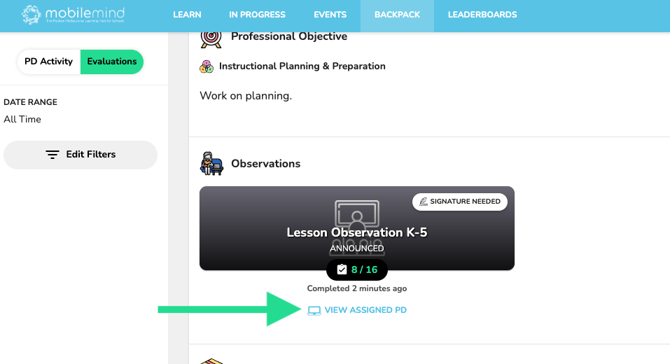
View Event Waitlist
To view the names on an event waitlist, go to the Participants page and click the **View Waitlist** button. A modal will open displaying the full list of names.
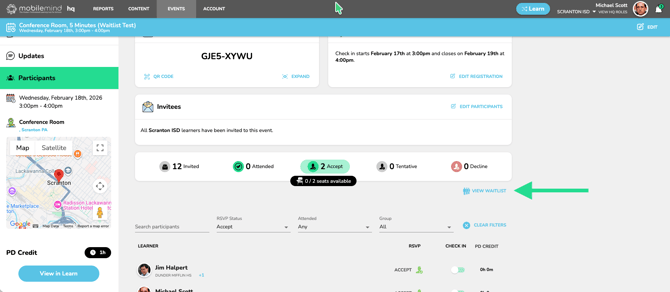
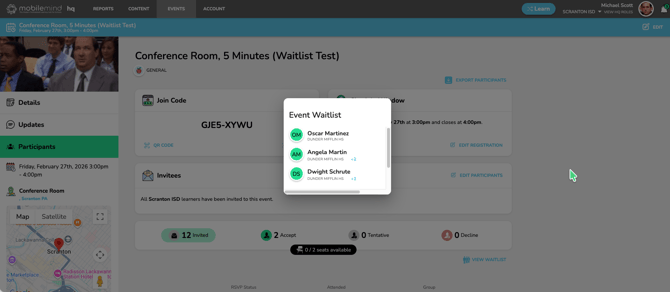
Ability to use GIFs in any area where you previously loaded an image
You can now add GIFs anywhere you can upload an image. Be sure to test how they appear in both HQ and on the Learn side, especially for Conferences.
Summative Observation Cycle
Our updated Observation and Walkthrough Rubrics are now available. To have this feature enabled for your district, please reach out to your Customer Success representative or submit a support ticket.
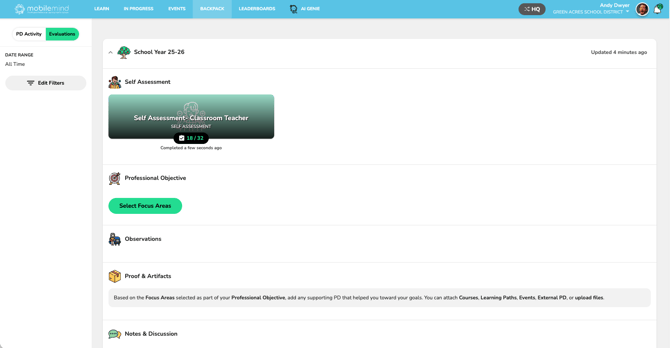
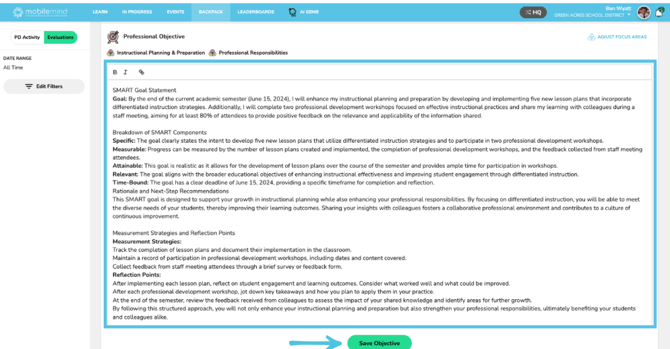
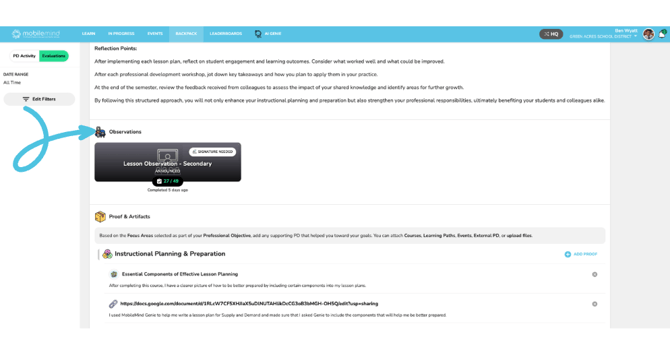
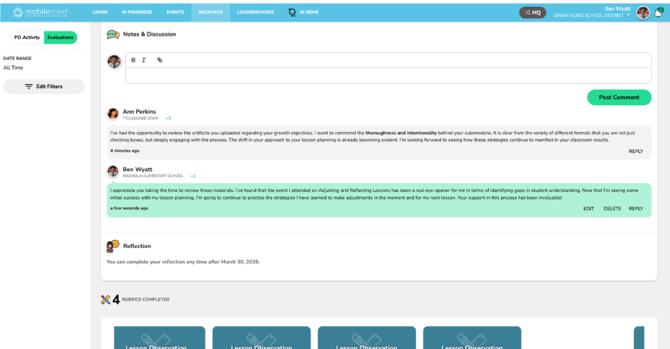
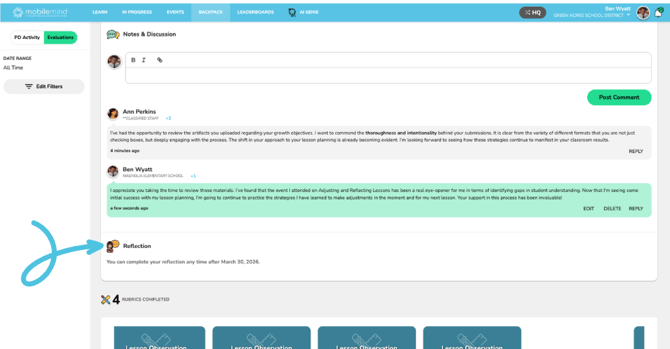
The Summative option for observations and walkthroughs feature in MobileMind will allow you to have an observation cycle for the school year. The components are as follows:
-
Self-Assessment (entered by teacher)
-
Professional Objective - Focus Area(s) and goal (entered by teacher)
-
Observation/Walkthrough Rubrics (entered by admin/observer)
-
Proof & Artifacts (uploaded by teacher)
-
Notes & Discussion (entered by both teacher and admin/observer)
-
Reflection (entered towards the end of the school year)
All New Genie AI Tools
We’re excited to share that our all-new Genie AI Tools are now live in MobileMind. Teachers and admins can start using these powerful tools from the Learn side of the platform to streamline and enhance professional learning. Explore the preview below, then be sure to click HERE to dive deeper and see what’s possible.
AI Foundations
-
Open Chat gives you the opportunity to have a natural conversation with Genie about any topic from teaching and learning to general questions and everyday tasks.
-
Prompt Writer- Learn how to write effective prompts for Genie by getting personalized examples and guidance based on your specific educational goals.
🔗(Click HERE for more information on AI Foundations)
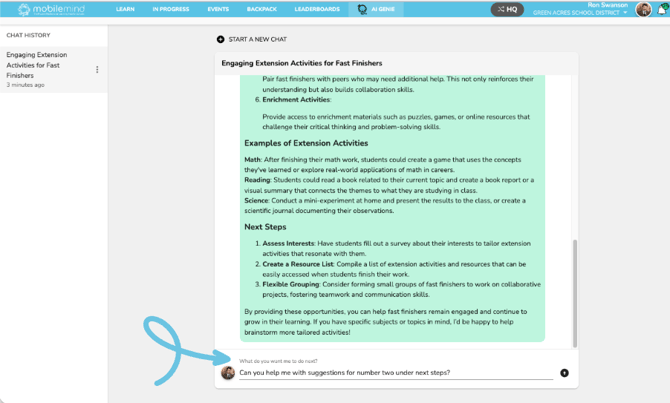
Use the Open Chat tool to start a natural conversation with Genie about any topic.
Productivity Tools
-
Email Assistant- Draft clear, professional, and empathetic emails for teachers and administrators to communicate with various stakeholders.
-
Research Assistant- Explore educational topics with clear, accurate information and practical classroom connections to support teaching and learning.
-
Translator- Professional translation service for educational and family communications that maintains tone, context, and cultural appropriateness.
🔗(Click HERE for more information Productivity Tools)
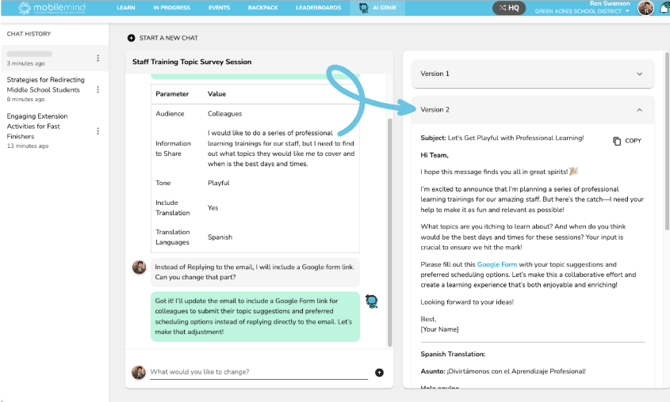
Below you’ll see the Genie Email Assistant. Share details like your audience, tone, and key points—and you can even have your message translated into other languages. You can even ask Genie to refine or adjust your message using the options at the bottom of the left panel.
Teacher Tools
-
Lesson Plans- Create a comprehensive lesson plan based on grade level and standards.
-
Bell Ringers- Generate engaging bell ringer activities to kick off your lessons.
-
Activity Differentiator- Generate differentiated activities and adaptations for diverse learner needs.
-
Student Writing Prompts- Create engaging, standards-aligned writing prompts for K-12 students with differentiation and translation options.
-
SMART Goal Writer- Create effective SMART goals based on coaching feedback, observations, or identified areas for professional growth.
🔗(Click HERE for more information on Teacher Tools)
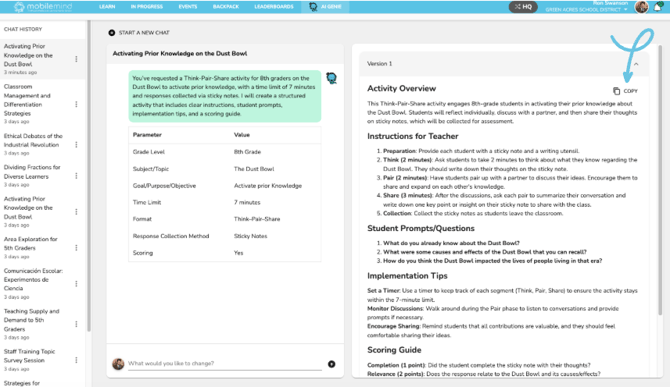
Below you’ll see a Bell Ringer activity generated by Genie. On the left is the information you entered and on the right is the activity Genie created from your inputs. Click the copy icon in the upper-right corner of the version you want to use, then paste it wherever you need it.