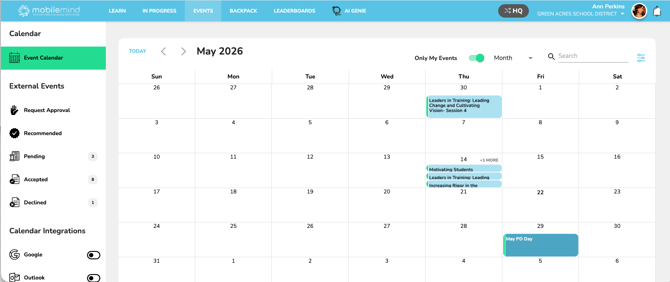
To quickly view events you’re registered for, use the “Only My Events” slider on your Events page.
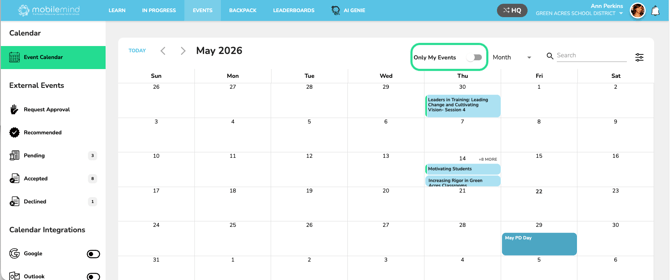
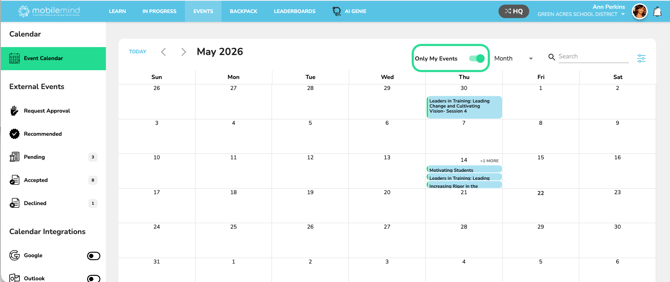
Please note: the filter only includes events you’ve RSVP’d to at the conference level—RSVPs to individual sessions alone will not appear here.
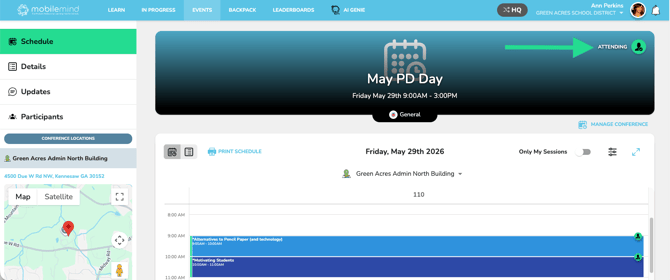
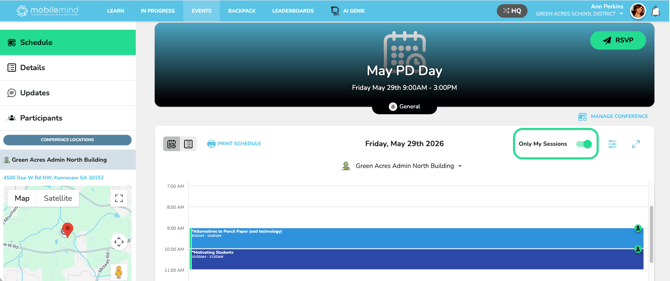
To see the specific sessions you’ve RSVP’d to, use the same “Only My Events” slider on the conference Sessions page. Coming soon, you will also see sessions where you opted to join the waitlist as well.
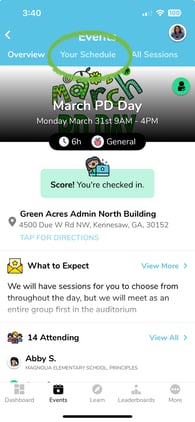
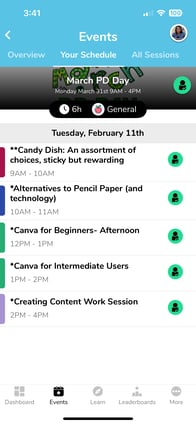
If you are using the mobile app, you will go to the event, and click on "Your Sessions".